Issue 039
Topic: Passwords and sign-in
You don't get to keep your work email. Your other accounts don't know that.
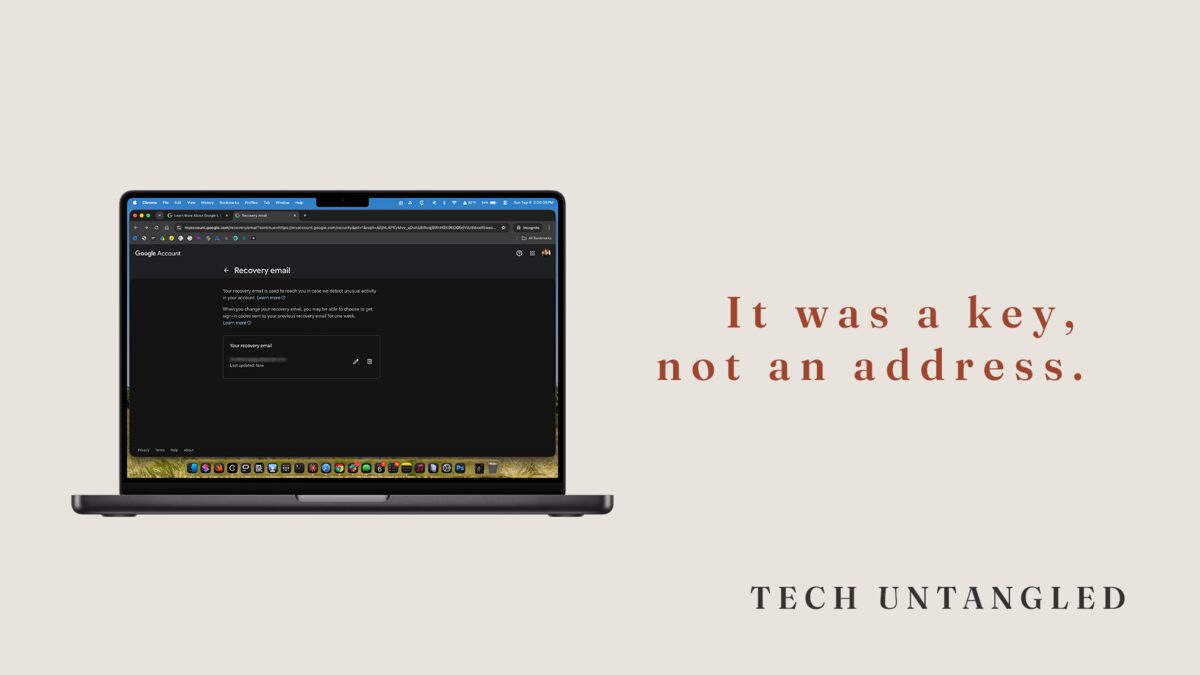
The University of Kentucky publishes a page called the Retiree Technology Checklist. It is a plain page. It tells people who are about to retire to move shared files somewhere their team can still reach them, and to attach a personal email address to their university account before the account goes away.
That second item is the one worth sitting with, because somebody there watched enough people walk out the door to notice a pattern, and then had to write it down.
I do the other side of that job. When someone leaves a company, I am often the person who turns the account off. It is a small thing to do and it takes about a minute. What I did not understand for a long time is what that minute does to the rest of somebody's life.
Your work email stopped being an address a while ago
An email address starts as a place to receive mail. That is all it is for the first year.
Then it becomes a login, because a site asked for an email and that was the one already in the box. Then it becomes the address a company writes to when you have forgotten a password, because that is the address you gave them. Then it is the address your bank has, and your airline, and the pharmacy, and the county tax office, and a store you ordered one thing from in 2014.
Nobody sits down and decides any of this. It happens because you were signed into that address eight hours a day for twenty years and the browser filled the field in for you every time.
Somewhere in there it stopped being a place where mail arrives and became the thing that proves you are you to every service that has no other way of checking.
And it does not belong to you. It never did. It belongs to the company, the same way the desk did.
The account stops working long before it is deleted
Here is the part I see from the inside, and it took me a while to understand what it looks like from the outside.
Nobody deletes an account on somebody's last day. What happens first is a suspension. Where I do this, the account gets suspended and left that way for about two weeks, so a manager or a coworker has time to pull whatever they still need out of it. Then it gets flagged for deletion. After that there is a recovery window on top of everything else, up to twenty days on Google Workspace according to Google's own documentation, and thirty on the Microsoft side, where a deleted account sits suspended before, in Microsoft's words, the permanent deletion process automatically starts and cannot be stopped.
Added up, that sounds like a comfortable amount of runway, and this is where I had it wrong for years.
Every one of those windows belongs to the company. They exist so an administrator can put an account back. None of them are windows for you to receive a password reset, because a suspended mailbox stops accepting mail on day one of the whole sequence.
So the number that actually matters to you is zero. The suspension is the moment the address stops working, and everything that happens after it is the company deciding what to do with a mailbox you can no longer open.
The accounts themselves do not disappear, which is the part that keeps this quiet. Your insurance account is fine. Your airline miles are fine. They are all still yours right up until the day you need to prove it, and the proof most of them want is a message sent to an address that stopped accepting mail months ago.
Three places it is hiding
As the recovery address. The one where the reset link goes. This is the expensive one, because you do not find out about it until you are already locked out and the only door has your old employer's name on it.
As the login itself. The username. Some sites let you change it in settings. Some make you contact support. Doing that while their confirmation email can still reach you takes a couple of minutes. After that it turns into a phone call, and usually a long one.
As the second factor. If the code goes to a work phone number, or to an authenticator app on a phone you are handing back, the code goes with the phone. Whether it turns up again on your own device depends on a backup setting you were probably never prompted to think about.
What to do while you still have the account
All of it is straightforward while the work inbox still opens. None of it is straightforward afterward. So the order matters more than the effort.
Start with the list, not the fixing. Open your saved passwords, wherever they live for you. On an iPhone or a Mac there is a Passwords app. In Chrome it is called the Google Password Manager. Read down the usernames and mark every one that shows your work address. That list is the real size of the problem and it is usually longer than the guess.
Fix your personal email account first. It is the account that resets all the others, so it has to be standing on its own before anything else is worth doing. Open its security settings, look at the recovery email address and the recovery phone number, and if either one belongs to your employer, change it today.
Then work down the list in order of consequence. Bank, insurance, pharmacy, anything government, utilities, airline, then the rest. For each one, change the address on file and then wait for the confirmation email and actually click it. An unconfirmed change is not a change, and this is where these attempts usually fall apart.
Move the second factor before you hand the phone back. Get new codes onto your own device, and save the recovery codes the site offers you when you do it. Recovery codes exist for exactly this situation and this is the one time you will be glad you kept them somewhere.
Get your files out early rather than on the last day. Google has a download tool called Takeout and Microsoft has its own equivalent. Both can be switched off by your employer's administrator, and Google says so plainly in its documentation, so the thing you want to learn early is whether it works for you at all. If it does not, you still have time to ask a person for help.
LinkedIn is worth a line of its own. The profile is yours rather than your employer's, but if the only address attached to it is a work address, you can end up locked out of your own career history at the exact moment you need it. LinkedIn lets you attach more than one email address to an account and choose which one is primary. Add your personal address and make it the primary one.
One Simple Win
Sign in to your personal email account, open its security settings, and look at the recovery email address and the recovery phone number listed there.
If either one is your work address or your work phone, change it to something you will still have in ten years.
That is one screen and about three minutes, and it is the highest-value thing in this entire issue, because your personal email is the account that unlocks all the others. The rest of the list can be repaired slowly, by phone, with a driver's license and some patience. That one cannot.
You do not have to be retiring for any of this to be worth an afternoon. A layoff or a new job does the same thing on a shorter notice.