Issue 024
Topic: Passwords and sign-in
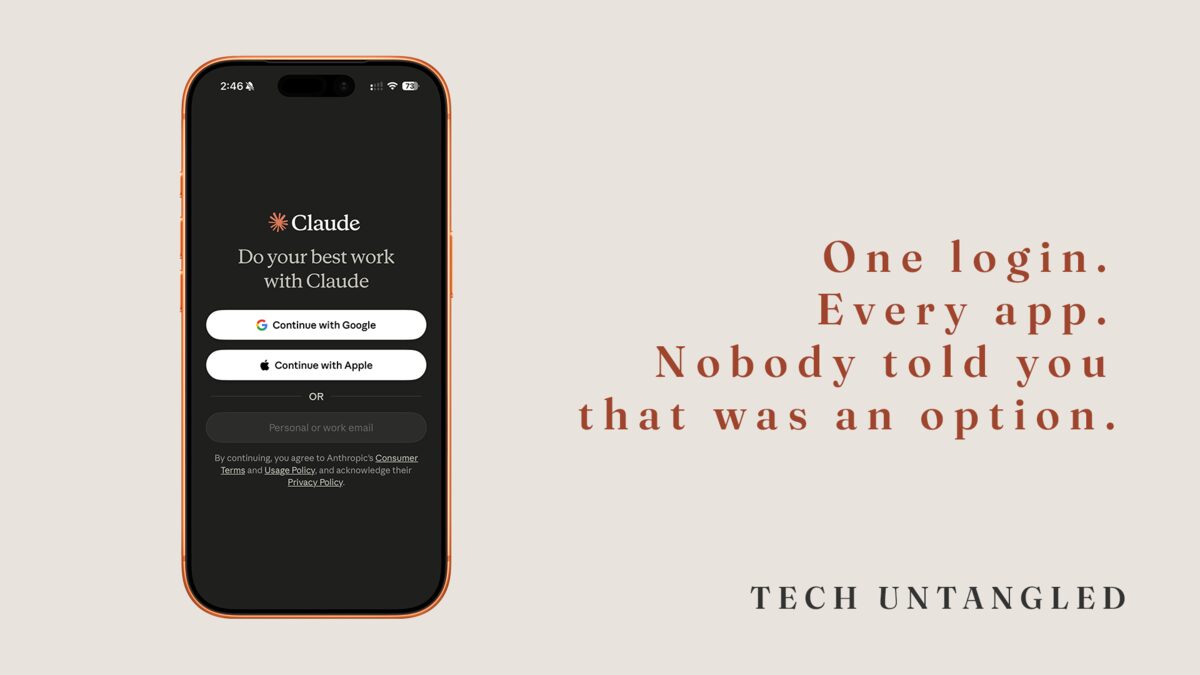
One login. Every app. Nobody told you that was an option.
I have a friend (who am I kidding? We all have this friend, and if we're being honest, we also ARE that friend) who has used the same password since 2009.
Not the same type of password. The same one. She knows she shouldn't. She's heard it a hundred times. But the one time she tried to do it right, with a different password for every site, she got locked out of three accounts in a month. Password resets, security questions she didn't remember setting up, confirmation emails going to an address she hadn't used in years.
She gave up.
The workaround felt safer than the system. I understood completely. I did the same thing for longer than I'd like to admit.
She wasn't wrong to feel that way. The system was never explained to her.
The Core Idea
There's a feature built into almost every app and website you use called Single Sign-On. You've seen it. It's the button that says "Continue with Google" or "Sign in with Apple." A lot of people skip it because it looks like a shortcut that might cause problems later.
It isn't. It's actually the right way to handle this.
Here's what it does: instead of creating a new username and password for every app you use, you use one account you already trust, usually Google or Apple, as your identity. The app checks with Google or Apple, gets confirmation that you are who you say you are, and lets you in.
The part that surprises people: the app never sees your Google or Apple password. It doesn't get stored on that app's servers. All the app gets is a small confirmation token. Your actual credentials stay with the account you already trust.
What "Continue with Google" Is Actually Doing
Think of it like showing a driver's license at the door. The person at the front checks it, confirms you're you, and waves you in. They don't make a copy. They don't keep it. They just needed the confirmation.
Google and Apple are playing that role. The app is the venue. When you tap "Continue with Google," your phone confirms you're signed in and sends that confirmation back to the app. No password changes hands.
Why This Matters More Than It Sounds
The same-password-for-everything approach has one specific weakness: when one app gets breached, every account using that password is now exposed. And apps get breached regularly, including ones you signed up for once and forgot about.
SSO sidesteps that entirely. There's no password stored on that app's server to steal. A breach can happen and your Google or Apple account is untouched.
The one thing worth knowing: when you use SSO, your Google or Apple account becomes the key to everything connected to it. That account deserves a strong, unique password and two-factor authentication. Both Google and Apple walk you through setting that up in their security settings, and it takes about five minutes.
How to Start Using It
The next time you create an account somewhere or log back into an app, look for the "Continue with Google" or "Sign in with Apple" option before you reach for the password field.
If both are available and you're on an iPhone, "Sign in with Apple" has a small extra benefit. Apple gives you the option to hide your real email address. The app gets a relay address that forwards to you, but your actual email stays private.
For accounts you already have, many apps let you connect an SSO option without starting over. Look under Account, Security, or Login in the app's settings.
One place to skip SSO: accounts where you want to stay independent of Google or Apple entirely. Your bank is a good example. Keep those with their own standalone credentials.
One Simple Win
Pick one app on your phone you log into regularly. Go into its settings and find the Login or Security section. If it offers "Sign in with Google" or "Sign in with Apple," connect it. You won't lose your account or your data. You're just telling the app to use your existing identity going forward.
One less password to remember. One less reset email to chase down.