Issue 025
Topic: Passwords and sign-in
There are only three ways to prove you are you.
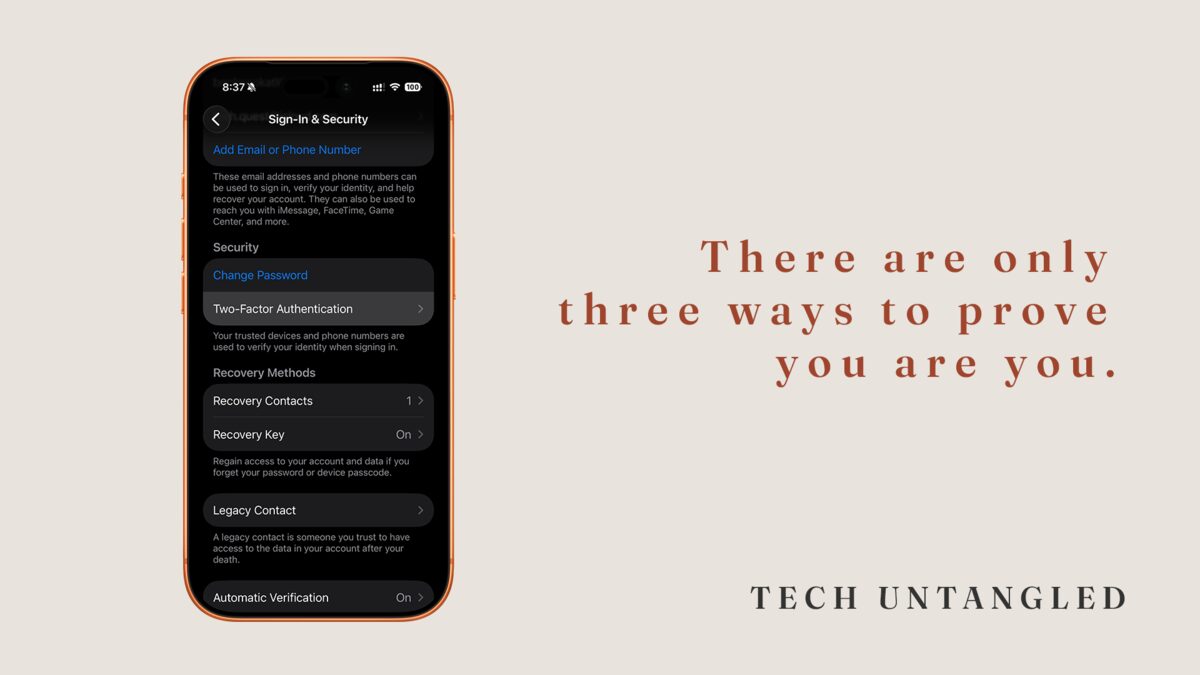
I was the person people called about their technology for years before anyone explained this part to me. I knew what two-factor authentication was. I had turned it on for people. I could not have told you why it actually worked, not in any real way, until someone laid out the three ways a machine can confirm you are you. The moment they did, something I had done ten thousand times finally had a shape.
If you already know two-factor is about security, you know the part almost everyone knows. The part nobody explained is underneath it, and it is the part that changes how you see every login you have ever done.
The Three Ways
There are only three ways to prove who you are. To a phone, a bank, a website, a locked door, any of it. Just three.
Something you know . A password, a PIN, the answer to a question.
Something you have . A key, a phone, a card, a code sent to that phone.
Something you are . Your fingerprint, your face, your voice.
That is the whole list. Every lock you have ever opened used one of these three, or a combination of them. The key to your front door is something you have. The PIN at the card reader is something you know. Your face unlocking your phone is something you are. You have been using all three your entire life. Nobody ever told you they were a set.
What That Has To Do With Two-Factor
A password is one item from the first group. For most of the accounts you own, it is the only thing you have ever been asked for. One kind of proof, from one of three categories, standing guard over your email, your photos, your money.
Two-factor authentication is not bonus security bolted on top. It is the first moment the machine stops trusting one kind of proof and asks for two. Something you know, plus something you have. The six-digit code that shows up by text is not the system being difficult. It is the system finally asking for the second kind.
Once you see it that way, the code stops being a hassle and starts being the obvious question. Why would anything important ever trust just one of the three?
Why One Kind Was Never Enough
A single kind of proof has a single point of failure. Something you know can be guessed, reused across sites, leaked in a breach you never heard about, or typed into a fake page that looked real enough. None of that is a comment on you. It is the nature of a secret. A secret only works while it stays secret, and you do not control everywhere it has been stored.
Add a second kind and the failure point moves. Now someone needs your password and the actual phone in your pocket, at the same moment. They might have your password from some old leak. They do not have your phone. For almost anyone trying to get into an account that is not theirs, that is the wall they cannot get over.
Where to Turn It On, and in What Order
You do not need to do this everywhere at once, and you should not try. Start with the accounts everything else hangs from.
Email comes first. Always. Email is the account that can reset every other account, because that is where the reset links land. Lock the master key before the rooms it opens.
After email, the accounts tied to money or identity. Your bank, and the Apple or Google account your phone runs on. If you set up Sign in with Apple or Continue with Google on other apps, like last week's issue covered, that one account is now the key to all of them. It has earned a second kind of proof.
The setting lives in nearly the same place every time. Open the account's settings, find Security , Sign-In , or Password , and look for the words two-factor, two-step, or verification . Turn it on and follow the prompts. It will offer to text you a code or use an authenticator app. A texted code is fine and is a large step up from one kind of proof. An app is a little stronger. If choosing between them is what stops you, take the text. Done beats perfect.
The One Thing That Stops People
The real hesitation is never the daily code. It is a quieter worry. What if I lose my phone and lock myself out of my own account?
Every service that offers two-factor also hands you a way back in. When you switch it on, it shows you a short list of recovery codes and lets you add a backup, like a second phone number or another email. The recovery codes are the spare key. Save them somewhere that is not your phone. A note in a drawer is enough. With them, a lost phone is an inconvenience, not a lockout.
One Simple Win
Turn on two-factor authentication for your email. Only your email, only today.
Open your email settings, find Security or Sign-In, and look for two-factor or two-step verification. Turn it on, let it text you a code, and when it offers recovery codes, write them down somewhere that is not your phone.
That is the one account that protects all the others. Everything else can wait for next week. This one is worth five minutes today.