Issue 012
Topic: Privacy
The permission you gave isn't the permission it took.
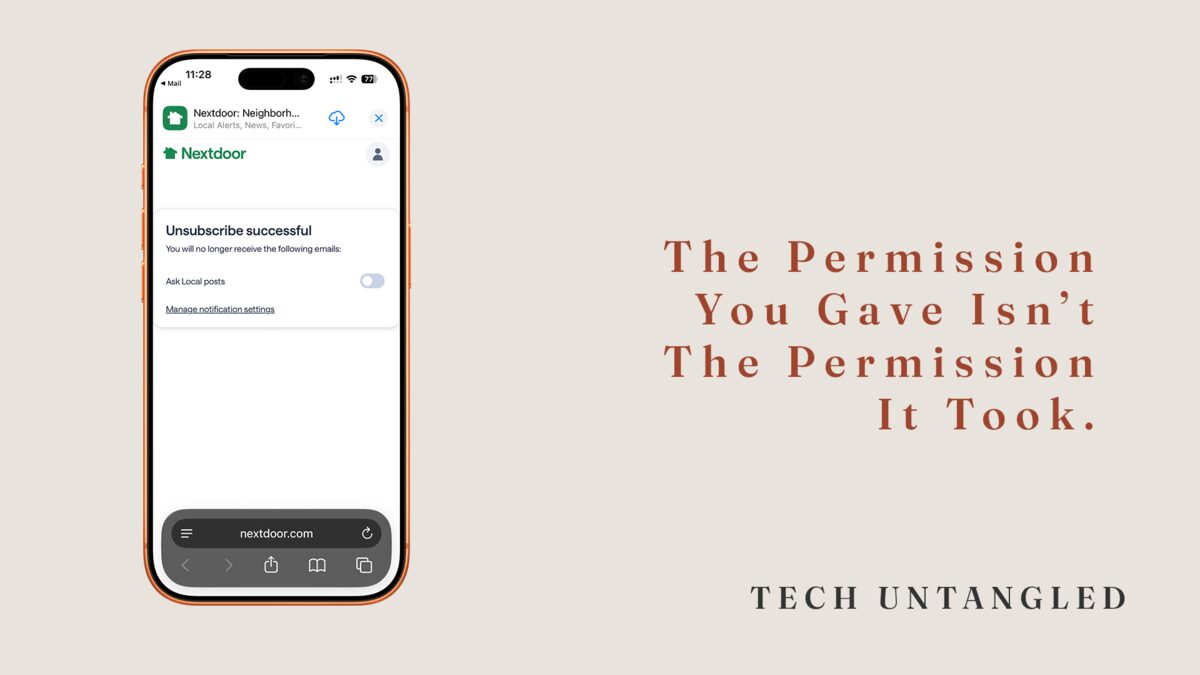
I cleaned out my inbox a few years ago using Unroll.me. Unsubscribed from everything except a couple of retailers I actually shop at. Old Navy was one of them.
Two days later, I checked my email.
Six messages. All from Old Navy.
That was the moment I realized the problem wasn't the number of companies sending me emails. It was that the companies I did want to hear from had no concept of restraint.
The Core Idea
The permission you gave isn't the permission it took.
You signed up for sale alerts because you wanted to know when something was discounted. They heard: "send me everything you produce, at maximum frequency, through every channel available."
You enabled location access for a restaurant app because maybe you'd like a coupon when you're nearby. They heard: "ping them every single time they pass within a mile radius, regardless of whether they're driving, walking, or just taking a different route home."
The gap between what you thought you agreed to and what actually happens is where notification chaos lives.
And it's not an accident.
Why This Keeps Happening
Multi-channel notification sprawl is intentional design.
Companies know that if they make you disable email notifications, text notifications, and app notifications separately, with no bulk toggle and no master control, the friction alone is enough to make you give up halfway through and just live with it.
That friction is the business model.
They want you in as many channels as possible because each channel is another chance to show up in front of you. Email didn't work? Try a text. Text didn't work? Try a push notification. Push notification didn't work? Try all three at once.
The result is notification redundancy. You get the same alert three times through three different systems, and there's no easy way to say "just pick one and leave me alone."
The Workaround
Rather than fix it, we adapt.
We ignore notifications entirely. We turn off all email notifications at the OS level. We put our phones in permanent Do Not Disturb mode. We accept that our phones will buzz constantly and just stop paying attention.
The adaptation becomes the solution.
I've done versions of all of this. For a while, I turned off email notifications completely because the volume was unmanageable. The problem with that approach is you also lose the emails you actually wanted to see.
I talk more about all the settings I turn off or update when I get a new device here .
A Better System
It took me a while to land on a rhythm that actually stuck.
Every three months, I go through my notification settings and do a cleanup. I pick a quiet afternoon, open Settings > Notifications on my phone, and scroll through every app. New apps pile up fast enough that quarterly is about the right cadence.
For each app, I ask:
Do I need notifications from this at all?
If yes, do I need them through email, text, and app? Or can I kill two of those channels and keep just one?
Very few apps need more than one channel. Some don't need any.
The goal isn't zero notifications. It's intentional notifications. The ones that serve you, not the company.
How to Actually Turn This Stuff Off
The frustrating part is that notification controls are usually buried in two places: the app's own settings and your phone's system settings.
You have to check both.
In the app itself: Look for Settings or Account Settings. There's usually a Notifications section. This is where you'll find toggles for email, SMS, and push notifications.
Turn off the channels you don't want. If they don't give you a bulk option (and they rarely do), you'll have to go through each type one by one.
In your phone's system settings: iPhone: Settings > Notifications > [App Name] Android: Settings > Notifications > App notifications > [App Name]
This controls whether the app can send you push notifications at all. It won't stop emails or texts, those are handled inside the app, but it will stop the lock screen alerts.
The system that works for me: kill email notifications first. The emails from apps are almost always the ones you'll never open. App notifications are usually enough. If I don't need either, I turn off both.
One Simple Win
Pick one app right now.
Just one.
Go into its settings and turn off email notifications. Leave app notifications if you want them. Just kill the email channel.
One app. One channel. That's it.
You'll immediately see fewer emails. And once you see how much quieter things get, you'll know which app to fix next.