Issue 048
Topic: Wi-Fi and internet
You've been paying rent on the box in the corner.
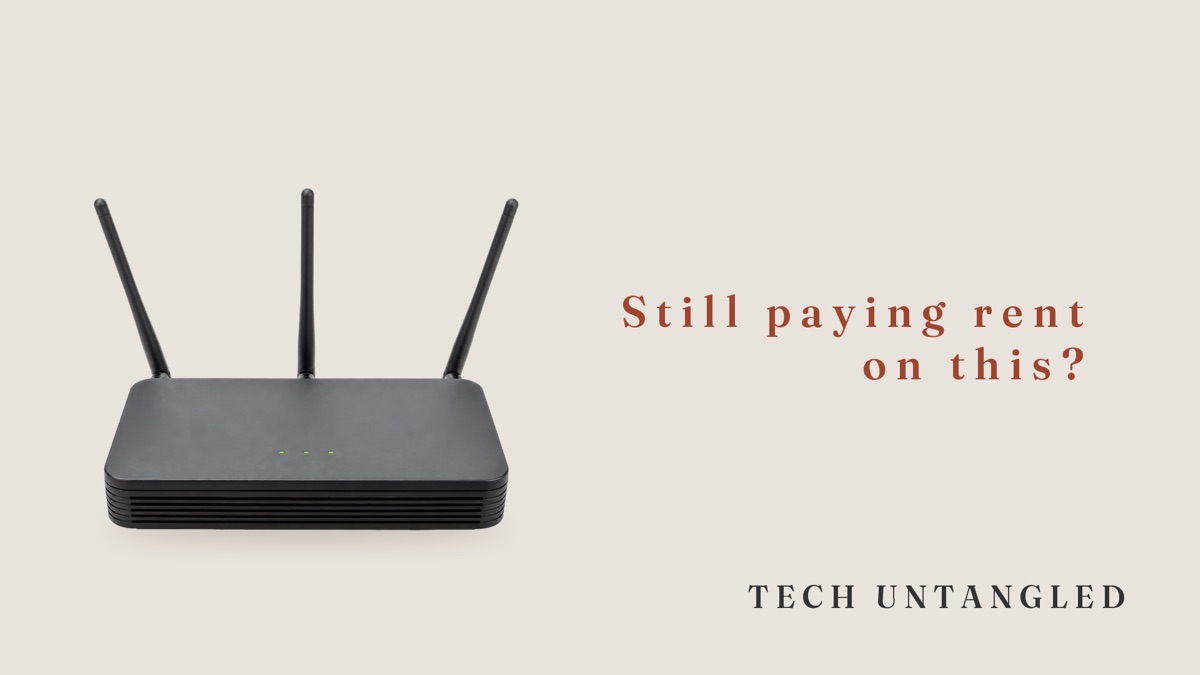
People hand me their old tech pretty often so it can be recycled or passed along instead of ending up in a landfill. Every so often there's a box in the pile with an internet company's name on it, and that one I can't take, because it was never theirs to give away. It belongs to the provider, and it's been on their bill every month since the day somebody plugged it in.
I'm not any better about this than anyone else. I pay most of my bills by looking at the total, and an internet bill is one of the easiest to stop reading. It's about the same every month, the internet works, and the lines underneath the total stay where they are.
A rental never finishes paying for itself
When you buy something, the paying stops. When you rent it, the paying keeps going for as long as you have it, and nobody sends you a note when you've covered the price of the thing a few times over.
That's how the box in the corner usually works. Your internet company lends it to you and adds a monthly charge for it. The charge is small enough that it never seems worth a phone call, but $15 a month is $180 a year, and most people keep the same box for years.
The fee isn't the same for everyone, either. AT&T's own fee schedule says the internet plans it sells today don't carry an equipment fee, while some older plans still do, anywhere from $2 to $10 a month on top of the plan. Two neighbors on the same street can have the same box and pay different amounts for it, depending on when they signed up.
What the box actually is
The box usually does one or two jobs, and it helps to know which.
A modem connects your house to the internet company's line. A router takes that connection and shares it around the house, usually over Wi-Fi. A lot of internet companies hand you a single box that does both, and they tend to call it a gateway.
Which one you have matters, because it decides what you'd be able to replace.
When owning your own makes sense
If you have fiber internet, the box is usually required and you can't swap it for one you bought. AT&T Fiber works this way. Fiber plans more often include the box in the price, so there may be nothing to save.
If you have cable internet, from a company like Xfinity or Spectrum, owning your own equipment is usually allowed. How it works depends on the company. Spectrum, for example, includes the modem in its plans and charges a monthly fee if you rent its Wi-Fi router, so the router is the part worth replacing there. Other companies charge for the whole gateway.
Owning it does come with one trade. When a rented box fails, the company swaps it. When one you own fails, replacing it is on you. For most people the savings are worth that, but it's worth knowing before you make the switch.
Prices and plans change often enough that the only number worth trusting is the one on your own bill.
Before you buy anything
Look up your internet company's list of approved devices. The big cable companies each publish one, and a modem that isn't on it may not work at all. Searching the company's name along with "approved modems" usually finds it.
If your home phone runs through your internet company, it plugs into that box. In that case you need a model on the list that's approved for phone service too, or the house phone stops working the day you make the swap.
Some extras, like Wi-Fi extenders the company rents you or certain features in its app, may only work with its own box. Decide whether you'd miss them before you send it back.
When you do send it back, keep the receipt. Internet companies typically charge a fee for equipment that never comes back, and the receipt is your proof that it did.
Where to find the number
Open your most recent internet bill, whether it comes in the mail, by email or in the company's app, and read past the total. The line you're looking for usually has a word like equipment, gateway, router, modem or Wi-Fi in its name.
If you're shopping for a new plan, look for the label titled Broadband Facts. Since April 2024, internet companies have had to show one when you shop, laid out like a nutrition label on a cereal box, and it lists monthly equipment fees alongside the price.
If there's no equipment line on your bill at all, that's worth knowing too. You can stop thinking about the box.
One Simple Win
Find your last internet bill. Look for a line with equipment, gateway, router or Wi-Fi in its name, and write down the monthly amount. Multiply it by 12.
That's what the box in the corner costs you in a year. It takes about five minutes, and afterward you'll know whether it's worth a phone call.