Issue 031
Topic: Everyday tech
You've been emailing yourself for years. Your devices were never introduced.
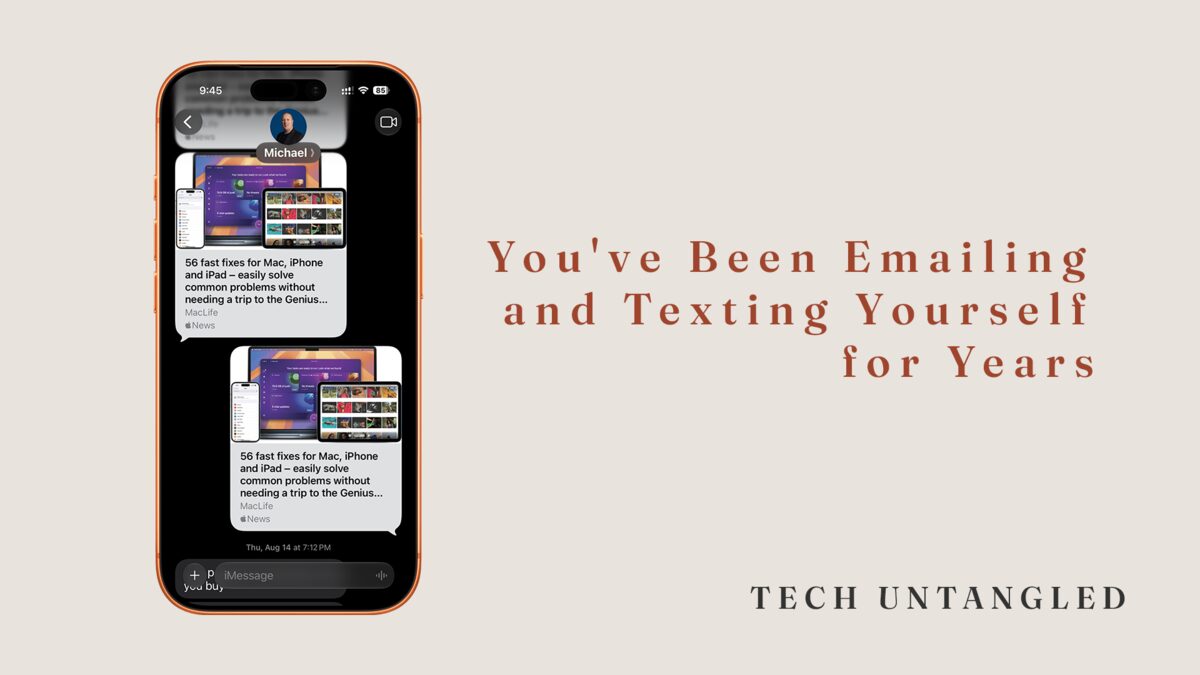
You know the ritual. You take a photo on your phone and you need it on your computer. So you open your email, type your own address into the To line, attach the photo, and hit send. Then you walk to the other machine, open your inbox, and download something you sent yourself from three feet away.
It works. That's the trap. It has worked for so long that it stopped feeling like a workaround and started feeling like the way things are done.
The workaround outlived the problem
The email trick dates back to when it was genuinely the best option. Your phone and your computer couldn't see each other. Email was the universal adapter. Every device had it, every device could open it, so it became the bridge for everything: photos, documents, links, that one PDF you needed on a bigger screen.
Building that habit was smart. Here's the part nobody announced: the problem it solved got fixed years ago.
Your devices can talk to each other now. Apple built AirDrop. Android and Windows built Quick Share. Photo libraries started syncing themselves in the background. But those features arrived in keynotes and settings screens, not in a letter addressed to the people still emailing themselves. So a solution from 2010 kept right on running on 2026 hardware.
I do a version of this too. Mine is texting myself links I fully intend to deal with later.
This issue isn't really about photos. It's about a pattern. When a task feels heavier than it should, the modern path usually exists. It's hiding behind a button you've been ignoring.
The Share button is the front door
Every phone has one. On an iPhone it's the square with an arrow pointing up. On Android it's three dots connected by lines. If you learned it at all, you learned it as the button for posting to social media, and the exploration stopped there.
It's actually a master list of every way your device can hand something off: to your other devices, to apps, to people. The reason the email ritual survives is that the habit is older than the button. You never open the door because you already had a route.
Three doors
Door one: it may already be there. If your phone backs up to iCloud Photos or Google Photos, that photo doesn't live only on your phone. It lives in your library, and your library is reachable from any computer. Go to icloud.com or photos.google.com , sign in, and there it is. You've been mailing copies of something that was already delivered.
Door two: the direct handoff. Apple to Apple, tap Share on the photo and look at the top row. Your Mac's name appears there. Tap it. That's AirDrop, and the photo lands in your Downloads folder before you've stood up. Android to Android, or Android to a Windows PC, the same idea is called Quick Share. On a Windows machine you install the Quick Share app once, and after that your phone can see the computer.
Door three: the mixed household. iPhone plus Windows PC, or Android plus Mac. Direct handoff across ecosystems is the one place the old ways still earn their keep, and that's fine. Use door one instead: the synced library doesn't care what brand your computer is. The point was never purity. The point is knowing you have options, so the workaround becomes a choice instead of a default.
One Simple Win
On your computer, open icloud.com or photos.google.com , whichever matches your phone, and sign in with the same account your phone uses. If your photos are sitting there, the ritual is over. You never needed to send anything. One address, one login, and you've met the system that quietly replaced it.