Issue 018
Topic: Everyday tech
Your phone has a search bar you've never used
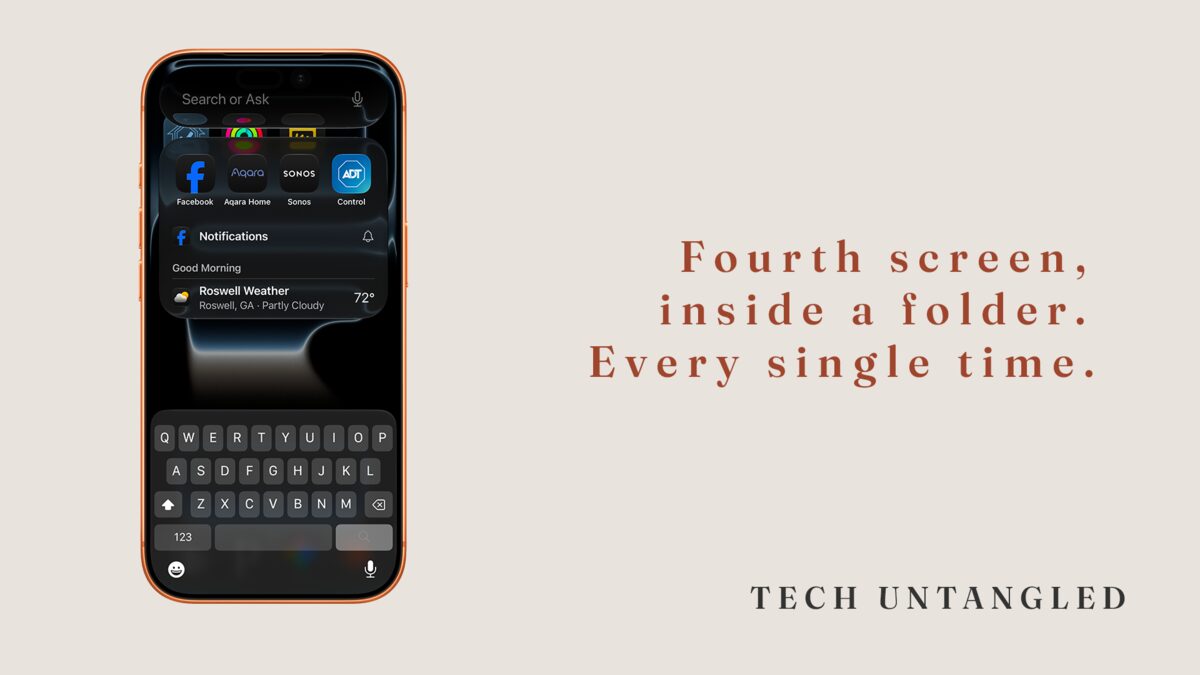
I was sitting next to my father-in-law last week when he needed to check his bank balance. He picked up his phone and started swiping. First screen. Second screen. Third screen. He opened a folder, closed it, swiped again. Found it on the fourth screen inside a folder he'd made called "Utilities."
The whole thing took about fifteen seconds. He does it every time. He's not frustrated by it. He doesn't think anything is wrong. That's just how he opens an app.
His iPhone has a search bar. He's never used it.
You built a system around not knowing
Here's what's worth sitting with for a second. Your phone has one of the most powerful search tools you'll ever touch, and it's been sitting at the top of your home screen since the day you set it up. On iPhone, you swipe down from the middle of any home screen and it appears. On Android, it's usually a bar right at the top of your main screen, or a swipe up from the bottom.
It doesn't just find apps. It finds contacts, messages, emails, calendar events, settings, notes, files, even text inside photos. You can type "dentist" and it will pull up your appointment, the office phone number, and the last email they sent you. All at once.
But nobody ever showed you that. So you did what made sense. You organized your apps into folders. You memorized which screen things were on. You built an entire navigation system out of muscle memory and habit because the actual tool for the job was never pointed out to you.
That's not a failure of intelligence. That's a failure of introduction.
The settings you didn't know you could search
This is where it gets interesting. Every phone has a Settings app with hundreds of options buried inside nested menus. Most people either scroll through the whole list hoping to spot what they need, or they give up and Google it.
There's a search bar at the top of your Settings app too. Type "battery" and it takes you straight to battery settings. Type "notifications" and you're there. Type "default browser" and it pulls up exactly the screen where you'd change it.
I use this constantly. Not because I'm better at phones than anyone else. Because at some point someone showed me the search bar existed, and after that I never went back to scrolling.
That's the thing about workarounds. They work well enough that you never look for the actual path. And the longer you use the workaround, the more it feels like the real thing.
What search actually replaces
Think about every time you've done one of these:
Scrolled through your entire contact list to find someone instead of typing the first three letters of their name. Opened the Photos app and swiped through hundreds of images looking for a specific one instead of searching "beach" or "receipt" or "dog." Opened five different apps trying to find where a piece of information lives instead of letting search pull it up across all of them.
Each one of those is a workaround. Each one takes ten to thirty seconds that you don't notice because you've been doing it that way for years. Stack them up across a week and you've spent real time navigating a device that was designed to do the navigating for you.
You didn't ignore the search bar. Nobody ever told you it was there. And by the time you might have found it, you'd already built a system that made it invisible.
The part that hasn't been solved yet is discoverability. Apple and Google keep adding capabilities to search, but they've never once walked a user through it during setup. There's no onboarding screen that says "here's how to find anything on your phone in two seconds." They assume you'll figure it out. You assumed there was nothing to figure out. Both of you were wrong, and neither of you noticed.
One Simple Win
Swipe down from the middle of your iPhone home screen right now. Or tap the search bar at the top of your Android home screen. Type the name of an app you use every day. Watch how fast it appears. Then try typing a person's name. Then try a word like "password" or "Wi-Fi."
That bar has been there the whole time. Now you know.