Issue 014
Topic: Device care
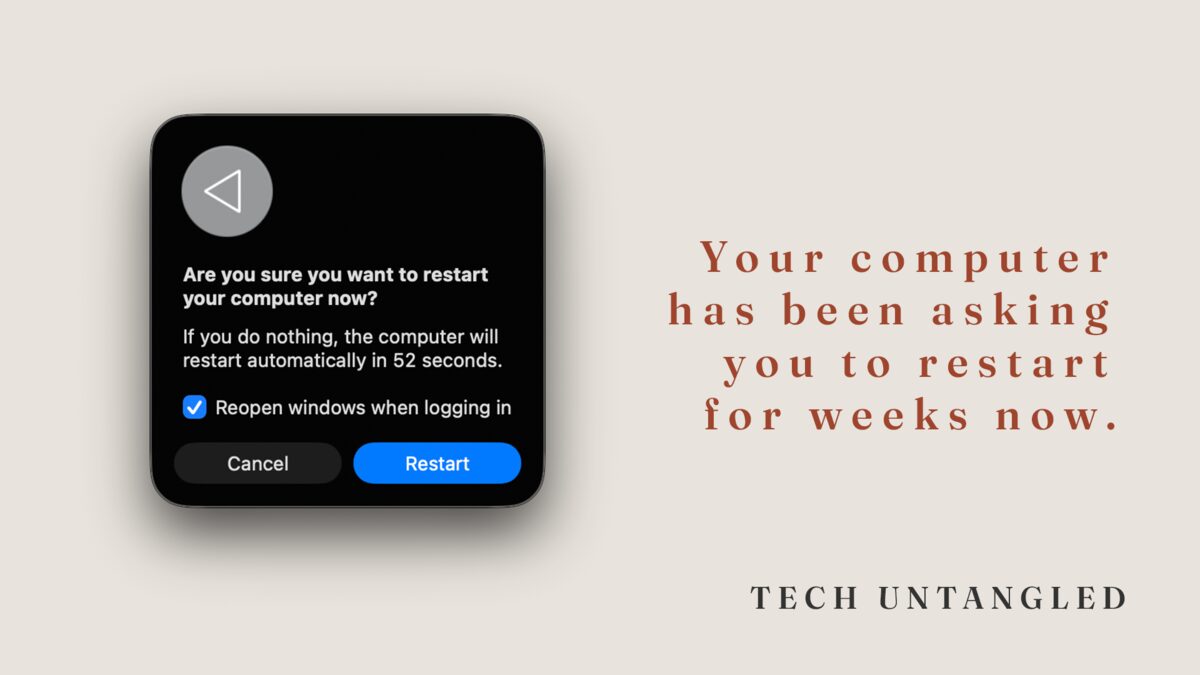
Your computer has been asking you to restart for weeks now
I sat down with a friend last week to help him with something unrelated. Business owner, sharp guy, been running his company for over a decade. Not someone who avoids technology.
But when I opened his Chrome menu, there it was at the top: " Relaunch to update. " Right next to it, in plain text: " Your tabs will reopen. "
He'd been seeing that prompt for weeks.
I asked him about it.
"Yeah, I keep meaning to do that. I just don't want to lose all my tabs."
He had about a dozen tabs open across two windows. Email, invoices, a Google Doc, some vendor pages. Nothing he couldn't find again. But the thought of all of it disappearing, even temporarily, was enough to keep him clicking past it every single time.
So I told him to watch.
I clicked the relaunch button myself.
Chrome closed. Chrome reopened. Every tab, every window, right where he left them.
Four seconds.
The Core Idea
This isn't really about Chrome. Or restarts. Or software updates.
It's about the gap between knowing something is safe and trusting it enough to actually do it.
Your computer tells you it can restore your session. Chrome tells you, right there in the menu, that your tabs will reopen. macOS offers to reopen your windows after a restart. The information is right there on the screen, sometimes in the actual button text.
And still, something in you hesitates.
That hesitation isn't stupid. It's learned. At some point, probably years ago, you lost something after a restart. A document you hadn't saved. A window you couldn't get back. A workflow that took 20 minutes to rebuild. Your brain filed that away and now treats every restart like a small risk.
The problem is that the tools have gotten significantly better since then. The fear hasn't updated along with them.
What Actually Happens When You Click the Button
Here's what modern browsers and operating systems actually do when you restart or update. No simplifications, just the mechanics.
Chrome (and most modern browsers): When you click "Relaunch to update," Chrome saves your entire session before it closes. Every tab, every window, the scroll position on each page. When it reopens, it restores all of it. If something doesn't come back, you can go to History and select "Restore previous session" or use Ctrl+Shift+T (Cmd+Shift+T on Mac) to bring back recently closed tabs.
If you have multiple profile windows open, each profile restores its own set of tabs independently.
The whole process, on most computers, takes somewhere between 3 and 10 seconds. I've timed it on older Macs and been back to a full set of tabs in under 10 seconds. On my current newer machine, Chrome updates and restores everything in about 3 seconds. Much less time than it took you to read this paragraph.
Mac restarts: When you restart a Mac, it asks if you want to reopen your windows when it logs back in. If you check that box, your apps and documents come back where you left them. It's not perfect for every app, but for browsers, documents, and most daily tools, it works.
Windows restarts: Windows has a similar feature. Apps that support it will reopen after a restart. Browsers handle their own session restore on top of that.
The point isn't that nothing can ever go wrong. It's that the safety net is dramatically better than your instincts are giving it credit for.
Why the Fear Sticks Around
It's worth understanding why this hesitation is so persistent, even for people who know better.
Restarts feel like a hard stop. Closing everything, watching the screen go dark, waiting for it to come back. Psychologically, that feels like losing your place in a book by closing it, even when there's a bookmark right there.
And the cost of being wrong feels high. If your tabs don't come back, you've lost context. Not just URLs, but the mental thread connecting why those tabs were open in the first place. That's harder to rebuild than a list of links.
So people develop a habit: postpone the restart. Dismiss the update. Click past Chrome's relaunch prompt every time they open the menu. It feels like the safe choice. It's actually the one creating more risk, because outdated software is less stable, less secure, and more likely to cause the exact kind of disruption you're trying to avoid.
I'll be honest. I still glance at my open windows before I click restart. I'll scan through and make sure nothing critical is unsaved. And I do this for a living. The instinct doesn't disappear just because you understand the system. But understanding the system does make it a lot easier to click the button.
One Simple Win
Open your Chrome menu right now. Click the three dots in the top right corner.
If you see "Relaunch to update" at the very top, with the words "Your tabs will reopen" right next to it, that means Chrome has been waiting on you.
Read those five words. Then click it. Time it if you want.
Your tabs will come back. Your windows will reopen. And you'll realize the thing you've been avoiding takes less time than unlocking your phone.
Check yours. I'd be curious how long that update has been sitting there.