Issue 003
Topic: Passwords and sign-in
Why Your Password Habits Matter More Than Your Accounts
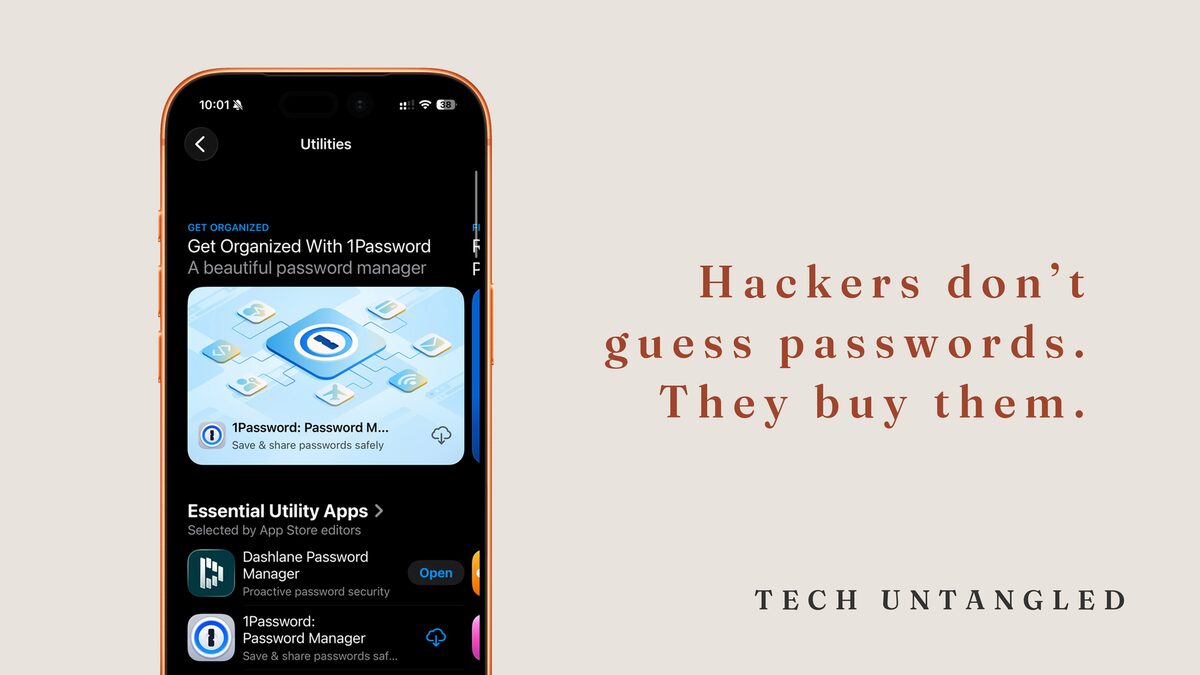
Most people think hackers “break in” by cracking complex code or targeting specific victims.
They don’t.
They simply walk through doors we leave wide open.
And the number one open door: weak, reused, or outdated passwords.
We rely on passwords more than any other security tool, yet most of our habits were formed 15 years ago when the internet was simpler and our lives were less digital. The result is predictable: lost accounts, hacked inboxes, suspicious logins, endless password resets.
Not because people are careless.
Because the old way of managing passwords no longer works.
The Core Idea
Every major security breach you hear about begins with one of three problems:
- the password was too weak
- the password was reused on multiple accounts
- the password was exposed in a data breach years ago
Hackers don’t guess passwords.
They buy them.
There are massive lists circulating on the dark web containing billions of old passwords. Attackers simply test those passwords against common sites until they find a match. If you reuse a password even once, you have already lost the first line of defense.
And here is the frustrating truth:
The human brain cannot create or remember strong, unique passwords for every account you own.
That is not a personal flaw.
It is a math problem.
The solution is simple: stop remembering passwords.
Check if Your Passwords Have Been Exposed
Visit: https://haveibeenpwned.com
This site (run by a respected security researcher) safely checks if your email shows up in known data breaches.
If it does:
Change the password for every account where you reused it.
The Turning Point
The fix isn’t learning new password rules.
The fix is letting your device generate and remember strong passwords for you.
Note: I’m using Apple as the example below, but if you’re on Android or Windows, the logic is exactly the same: use the professional-grade tools already built into your device.
Password Managers
Why I Recommend Apple Passwords first
You can use any modern password manager. 1Password , Bitwarden , and Dashlane are all solid tools.
But for most people, Apple Passwords plus Hide My Email is the strongest and simplest setup because:
- It removes the biggest failure point: complexity. If a tool is built-in, people actually use it. Strong passwords get created and stored automatically.
- Your password data is end-to-end encrypted. Apple cannot see it. Hackers cannot read it. It only decrypts on your devices.
- Hide My Email blocks attackers before they start. Even if a service is breached, your real email stays hidden. That stops credential stuffing and most phishing dead.
- It updates with the OS. No browser extensions. No extra apps. No outdated plugins. One system, consistently secured.
Bottom line: If you are deep in the Apple ecosystem, Apple Passwords is the most secure choice because it’s the one you’ll actually use correctly. A perfect tool unused is less secure than a built-in tool used every day.
Here is Your One Simple Win for today:
Turn on the password manager built into your devices or set up a trusted password tool. This removes the need to remember anything complicated.
Do this today:
- On iPhone or Mac, Android or Windows PC: Turn on your password manager.
- Let your device generate strong passwords automatically.
- Start replacing weak or reused passwords as you encounter them.
One change produces an immediate jump in your security without any ongoing effort.
How to Turn On Your Password Manager
Apple Devices
iCloud Keychain - The foundation of Apple's credentials security
iPhone and iPad
- Open Settings.
- Tap your name at the top.
- Tap iCloud.
- Make sure Passwords and Keychain is turned on.
- When creating a new account or changing a password, tap Use Strong Password .
Mac
- Open System Settings.
- Go to Passwords.
- Confirm that iCloud Passwords & Keychain is enabled.
- Safari will now offer strong, unique passwords automatically.
Other Devices
Windows PC (Built-in Password Manager)
- Open Settings.
- Go to Accounts.
- Turn on Password Manager (Windows Hello / Credential Manager).
Android (Google Password Manager)
- Open Settings.
- Tap Google.
- Tap Manage your Google Account .
- Open Security and turn on Password Manager .