Issue 027
Topic: Everyday tech
Your keyboard has been overruling you
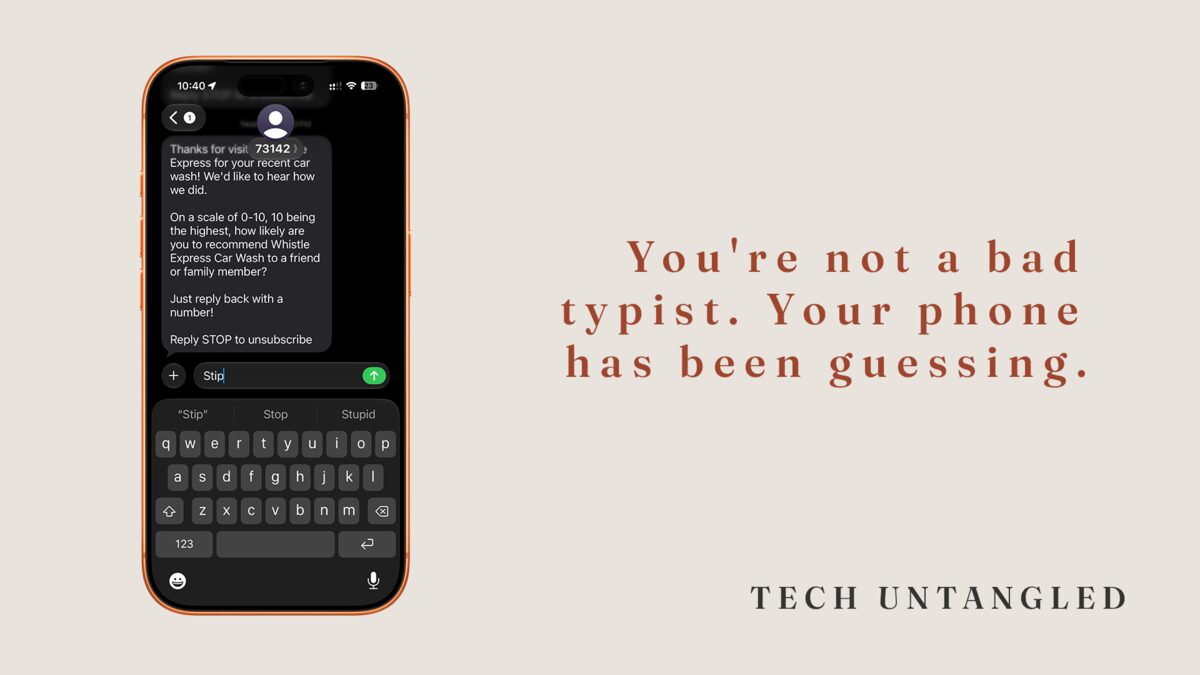
I typed my wife's name into a text last week and my phone decided I meant a different word entirely. Hannah became something that wasn't a name at all, and I sent it before I noticed. I have been using these phones since before the keyboard lived on the screen, and mine still rewrites me a few times a day. So when someone tells me they feel clumsy typing on their phone, I already know it isn't them. It's the keyboard, quietly guessing, and sometimes getting it wrong.
Autocorrect was never correcting. It's guessing.
The word "correct" is the whole problem. It promises the phone knows the right answer and is fixing your mistake. That isn't what's happening. Autocorrect compares what you typed against a dictionary of common words and a record of words you've used before. When your typing lands close to a common word, it swaps the common word in. It's making a prediction, not a correction. Much of the time the prediction is right and you never notice. The rest of the time it is cheerful and confident and wrong.
The words it misses are predictable once you see the pattern. Names. Places. Slang. Anything uncommon or specific to your life. The phone has never met your niece, your street, or your inside joke, so it reaches for the nearest common word it does know. You are not fighting a smart system that turned against you. You are using a tool built for the average sentence, on the days you are not writing an average sentence.
The workaround you didn't decide to start
Here is what people do without ever choosing to. They proofread every message twice before sending, which is slow and tiring.
Or they let the wrong word ride and hope it reads clearly enough.
Or they quietly stop typing certain words at all, the friend's name that always gets mangled, the term they can never get past.
None of that is a personal failing. It's a fair response to a tool that argues with you. The answer isn't to try harder. It's to learn the three moves the keyboard never told you about.
Taking the keyboard back
Three moves, all built in, on any modern phone.
1. Overrule it in the moment.
When the phone changes a word, it shows a small popup with your original spelling for a second or two. Tap that popup and you keep your word. If you miss the window, double-tap the changed word. The keyboard offers a few alternatives, usually including exactly what you typed the first time.
2. Teach it your words.
You can add a word so the phone stops swapping it, and you can go one better with a text replacement: type a short code and the phone expands it into the full thing. I lean on this constantly. A few letters become my email address, my mailing address, a phrase I type ten times a day. On iPhone it lives in Settings, then General, then Keyboard, then Text Replacement. On Android, open Settings and look under Languages and input for a Personal dictionary. The menu name shifts a little by brand, but it's there. Once it's set, the phone stops fighting you on that word for good.
3. Stop typing and talk.
Every keyboard has a small microphone, usually near the space bar. Tap it and say your message out loud, and the phone writes it down. You can speak the punctuation too. Say "period" and you get a period. Say "new line" and it drops to the next line. Dictation has gotten genuinely good. For a longer message it is often faster, and a lot less aggravating, than thumbs on glass.
One Simple Win
Pick the one word your phone always gets wrong. The name, the place, the term it keeps swapping out. Add it as a text replacement so it never fights you on that word again. On iPhone: Settings, then General, then Keyboard, then Text Replacement, then the plus sign. Put the correct word in the Phrase line, and leave the Shortcut line blank to simply add the word. On Android, open Settings, find Languages and input, then Personal dictionary, and add it there. Five minutes, one word, one less argument every day.