Issue 007
Topic: Everyday tech
How to Organize Your Digital Life Without Feeling Overwhelmed
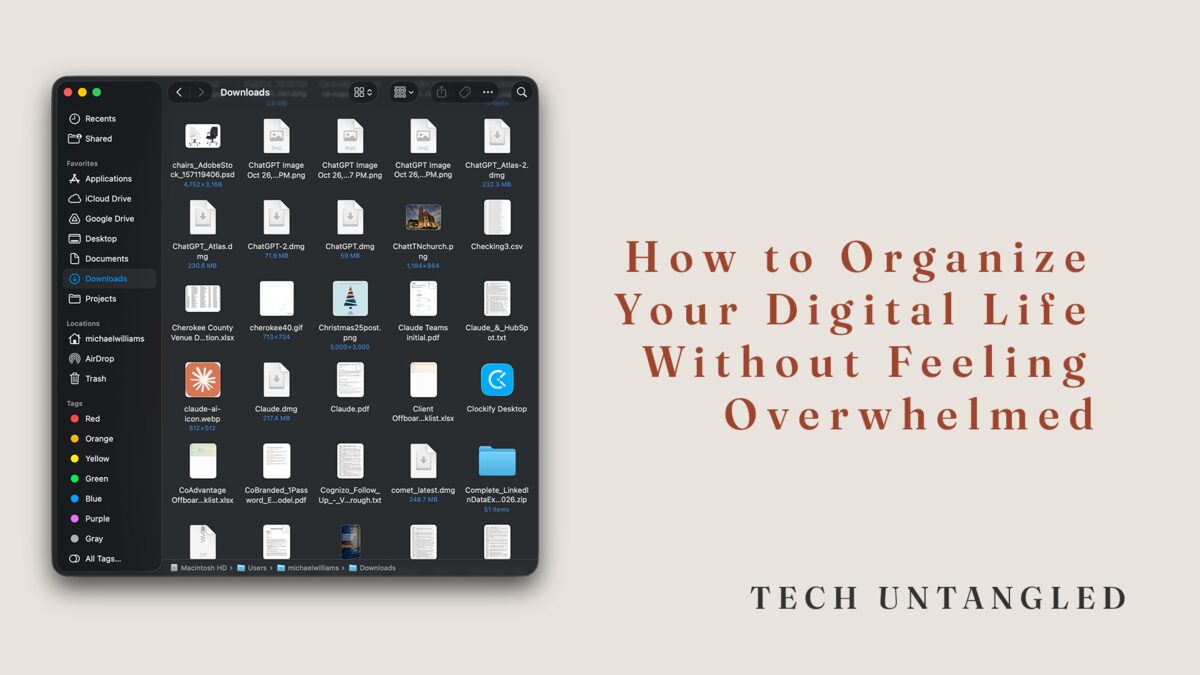
Getting Organized Feels Harder Than It Should
Not because the tools are bad. Not because people are lazy.
It’s hard because the problem is usually approached all at once.
New folders. New apps. New systems. Big cleanup efforts that feel productive for a few hours and exhausting by the end of the day.
Digital overwhelm isn’t caused by a lack of effort. It’s caused by too much effort applied in the wrong order.
This issue isn’t about building a perfect system. It’s about creating enough structure to feel calm, in control, and able to find what you need when you need it.
Why Digital Organization Feels So Hard
Your digital life didn’t become messy overnight. Emails accumulated one at a time. Files were saved wherever it felt convenient. Notes, photos, and documents spread across years, devices, and apps.
Trying to organize everything asks your brain to hold too many decisions at once. That’s why it feels overwhelming.
Organization usually breaks down not because people are careless, but because the task is framed too big.
The Common Mistake
Most organization attempts start with rearranging. Folders. Labels. Categories. Naming conventions.
That approach is backwards. Reorganization requires clarity. Clarity comes after reducing noise.
Before structure helps, the volume has to stop increasing. You don’t need a better system yet. You need fewer things demanding attention.
The One Simple Win
Create one place where new things go, even if the old mess stays for now. That’s it.
One default landing spot: a single folder, a single notes app, or a single inbox you actually check.
This works because it stops the mess from growing while you regain breathing room.
You don’t clean the entire house while guests are still walking in. You close the door first.
A Practical Way to Start
Pick one category to stabilize first: files, email, notes, or photos. Not all of them. One.
Create one folder called “Inbox” or “To Sort” and save everything there for now. Decide all new notes go into one app, even if old notes are scattered. Stop creating new email folders and let messages land.
Hint: I like to use an exclamation point "!" in place of the "i" in Inbox, because if you sort by name, it typically causes "!nbox" to show as the first item.
This isn’t giving up on organization. It’s choosing a starting point that doesn’t overwhelm you.
Why This Works
Your brain relaxes when the inflow is predictable. Once new information has a clear place to land, the feeling of being behind starts to fade.
That calm makes it possible to clean up older messes later, in short, optional passes. Organization becomes maintenance, not a project.
What You Can Ignore for Now
You do not need to perfect your folder structure, rename years of files, choose the “best” productivity app, or migrate everything immediately.
Those steps matter eventually. They are not the first step.
The Long-Term Shift
Digital organization isn’t about being tidy. It’s about reducing decision fatigue.
When your system answers basic questions like “Where does this go?” or “Where would I look for that?”, everything else feels lighter.
The Bottom Line
You don’t organize your digital life by doing more. You organize it by narrowing focus and choosing one calm default.
Stabilize the present first. Clean up the past when you’re ready. Clarity comes from containment, not perfection.